Chapter 2
Concepts
Read these pages to build a picture before you configure anything.
- Users and sharing: accounts, roles, per-user features and sharing.
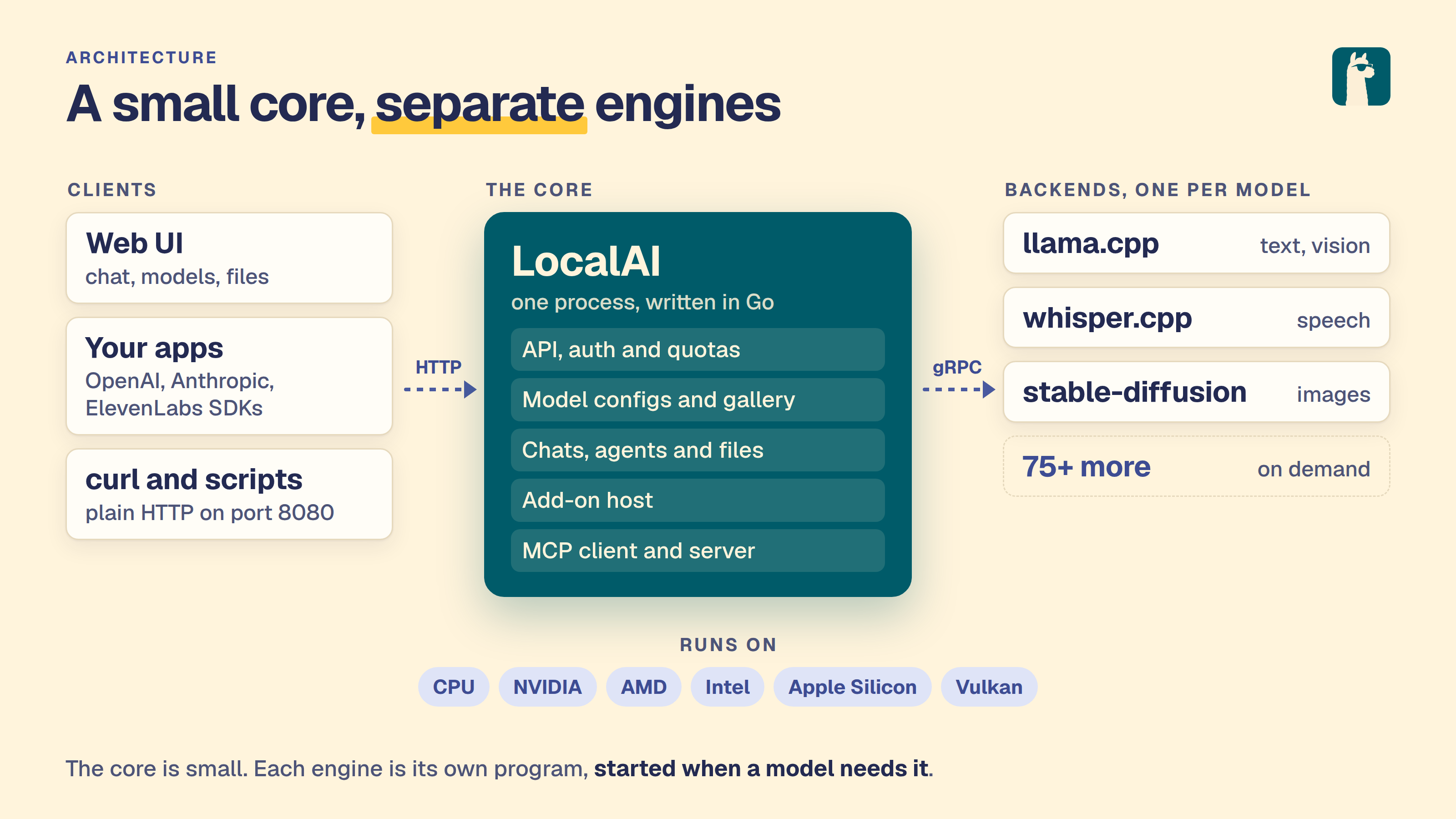
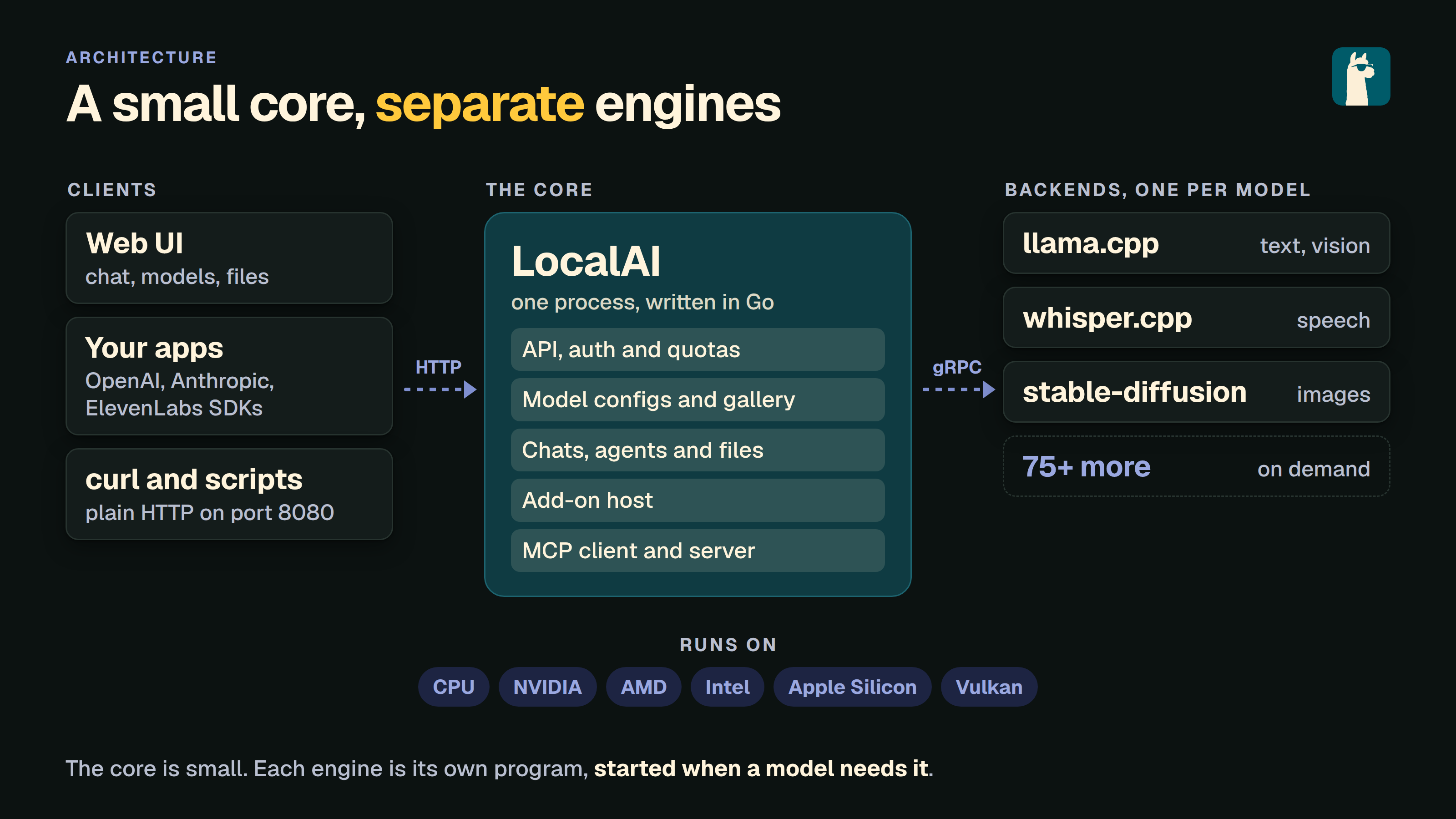
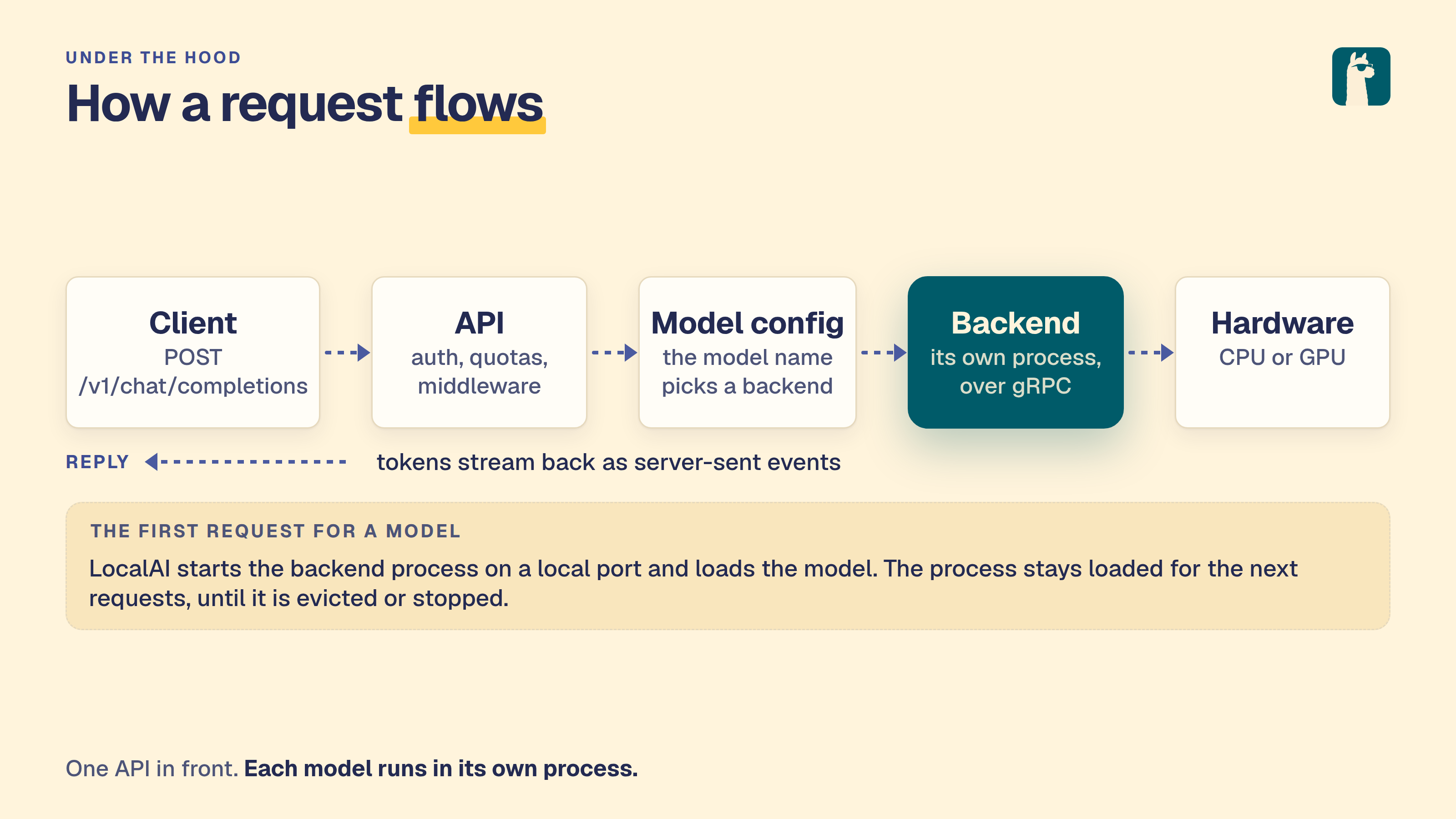
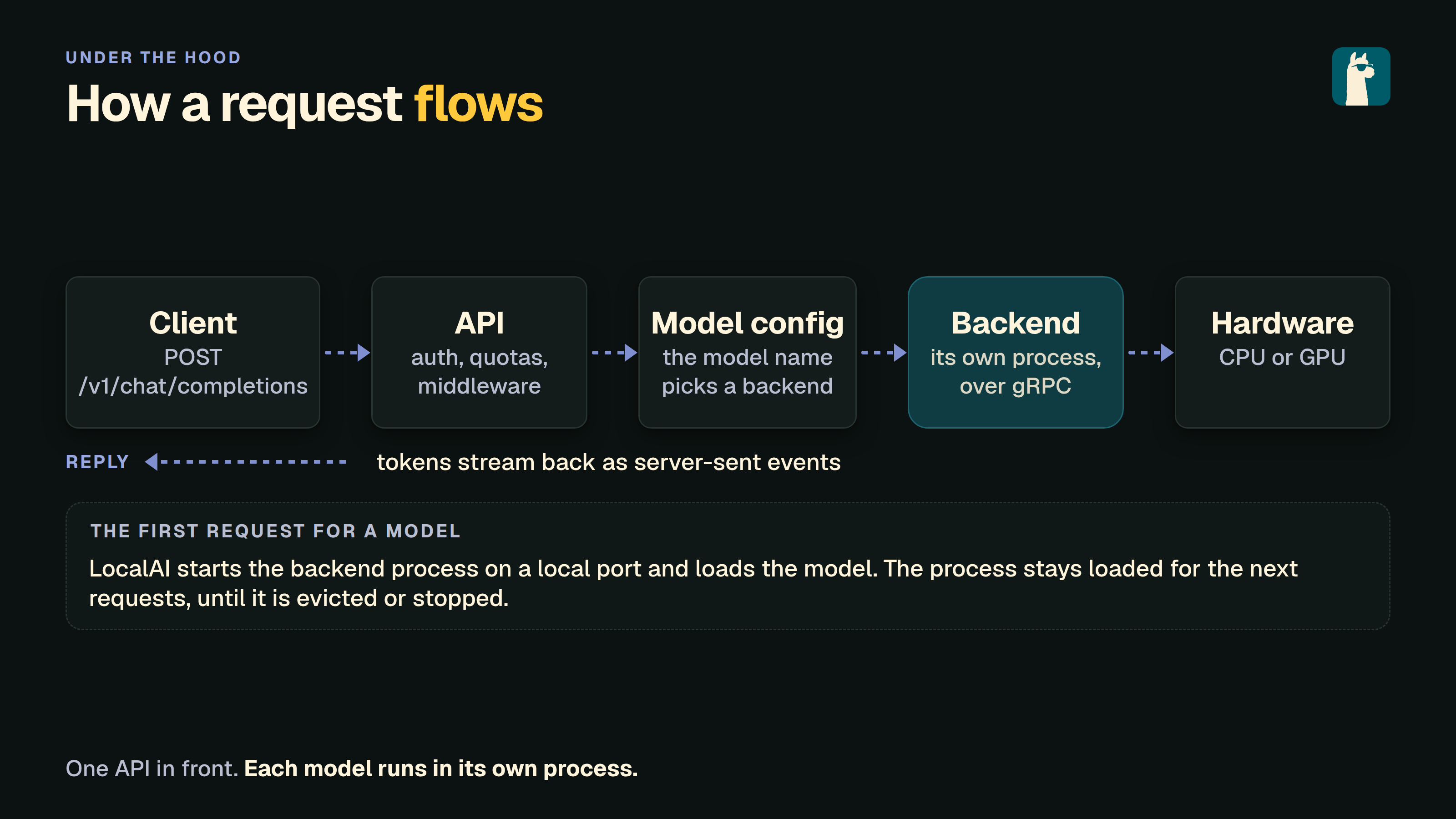
- Architecture: the core, the backends and how a request moves between them.

 LocalAI
Read these pages to build a picture before you configure anything.
LocalAI is an API written in Go. It follows the OpenAI API, so software that uses an OpenAI SDK can use LocalAI instead. It runs on consumer hardware. The inference runs in separate backends, many of them in C++. Backends are gRPC servers. You can build your own gRPC server, or point LocalAI at an external one that it then manages.
LocalAI uses a mixture of backends written in various languages (C++, Golang, Python, …). You can check the model compatibility table to learn about all the components of LocalAI.
For the history of the project, read LocalAI, from March 2023 to now.
LocalAI can run with no accounts or with accounts. This page explains what changes, and how sharing works.
When authentication is off, there is one user. That user can do everything, including the administrator tasks. You can protect the API with a key, but the key gives full access.
Turn on user authentication to get accounts. See Authentication. There are two roles.
New people join in one of three ways, set by the registration mode: open (anyone), approval (an admin approves, and this is the default) or invite (an admin gives a single-use invite link, /invite/<code>). An admin creates invite links in Settings > Users and keys.
An administrator switches parts of LocalAI on or off for each user. Some features are on by default for a new user. Others are off until an administrator turns them on.
| Off by default for a new user | On by default |
|---|---|
collections, localai_assistant, agents, triggers, connectors, mcp_jobs, pages, addons, fine_tuning, quantization | The API features, such as chats, images, audio_speech and embeddings |
Administrators always have every feature. To change a user, open Settings > Users and keys and edit the permissions of the user. A feature that is off hides its pages and refuses its routes.
Each user has their own files, chats, saved agents, pages and add-on connections. Nobody else sees them. An administrator can read the saved agents, triggers and connectors of every user, switch them off and delete them, but not run them as that user.
Nothing is shared by default. A person shares something they own, and they choose who gets it and what they can do.
| What you share | Roles |
|---|---|
| A folder of your home | Can read, Can edit |
| A saved agent | Use, View |
| An add-on resource, such as a Tables database | Viewer, Editor |
| A shared folder, made by an administrator | Can read, Can edit |
You can share with one person or with Everyone. A grant to Everyone also reaches accounts that are made later. A person can hold their own grant and the Everyone grant. Both add up.
The owner is never a grant. Only the owner shares, changes the grants or deletes the resource. Sharing is never a tool: no model, agent, trigger or add-on can share or take back access. Only your own browser session can change a grant.
An administrator installs an add-on for the whole instance. A user needs the addons feature to use it. Add-ons that connect to a service, such as a mailbox, keep a separate connection for each user, and an administrator approves the service client first. See the add-on user guide.