

Features / Desktop app
Start LocalAI from a window.
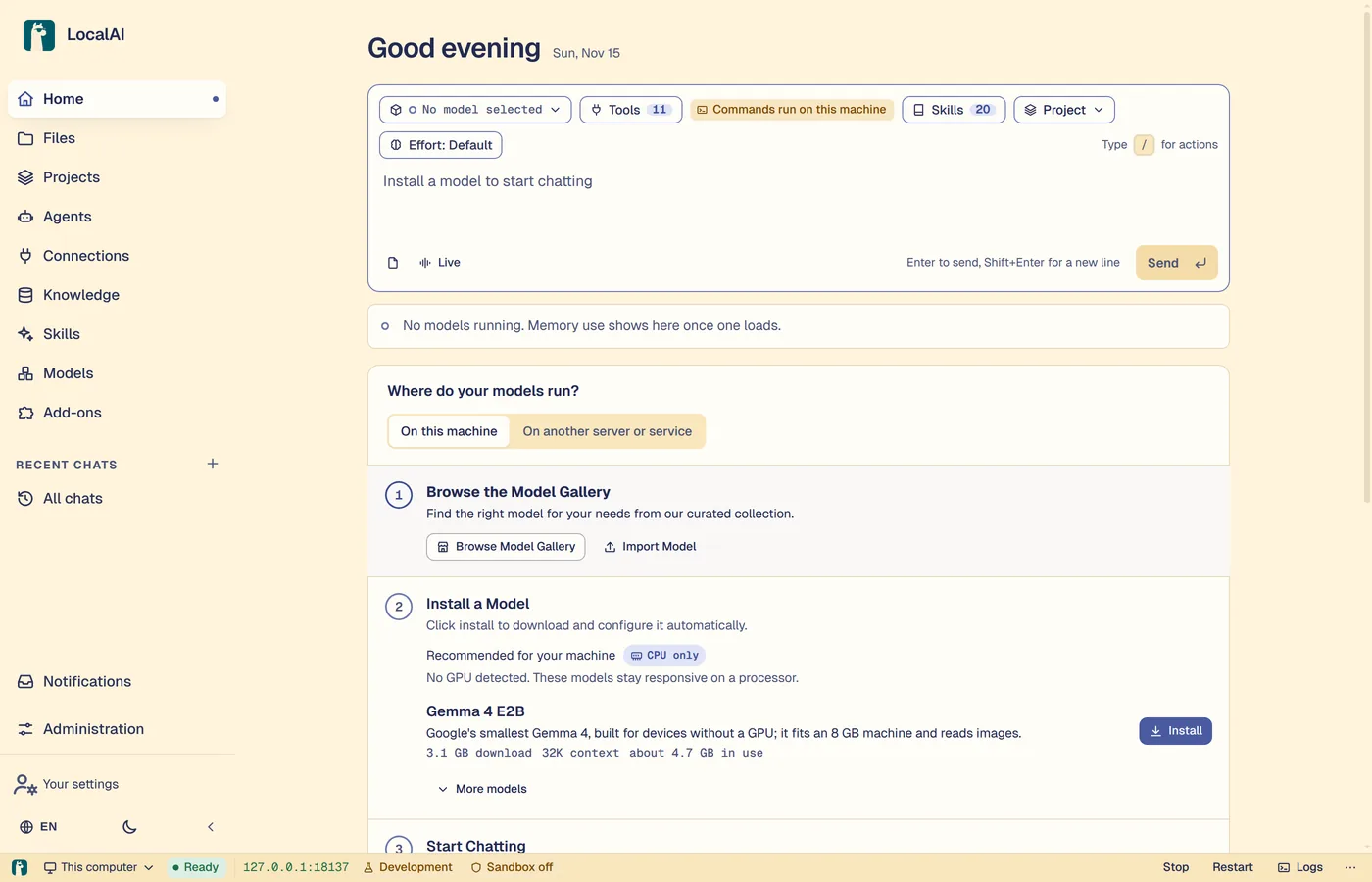
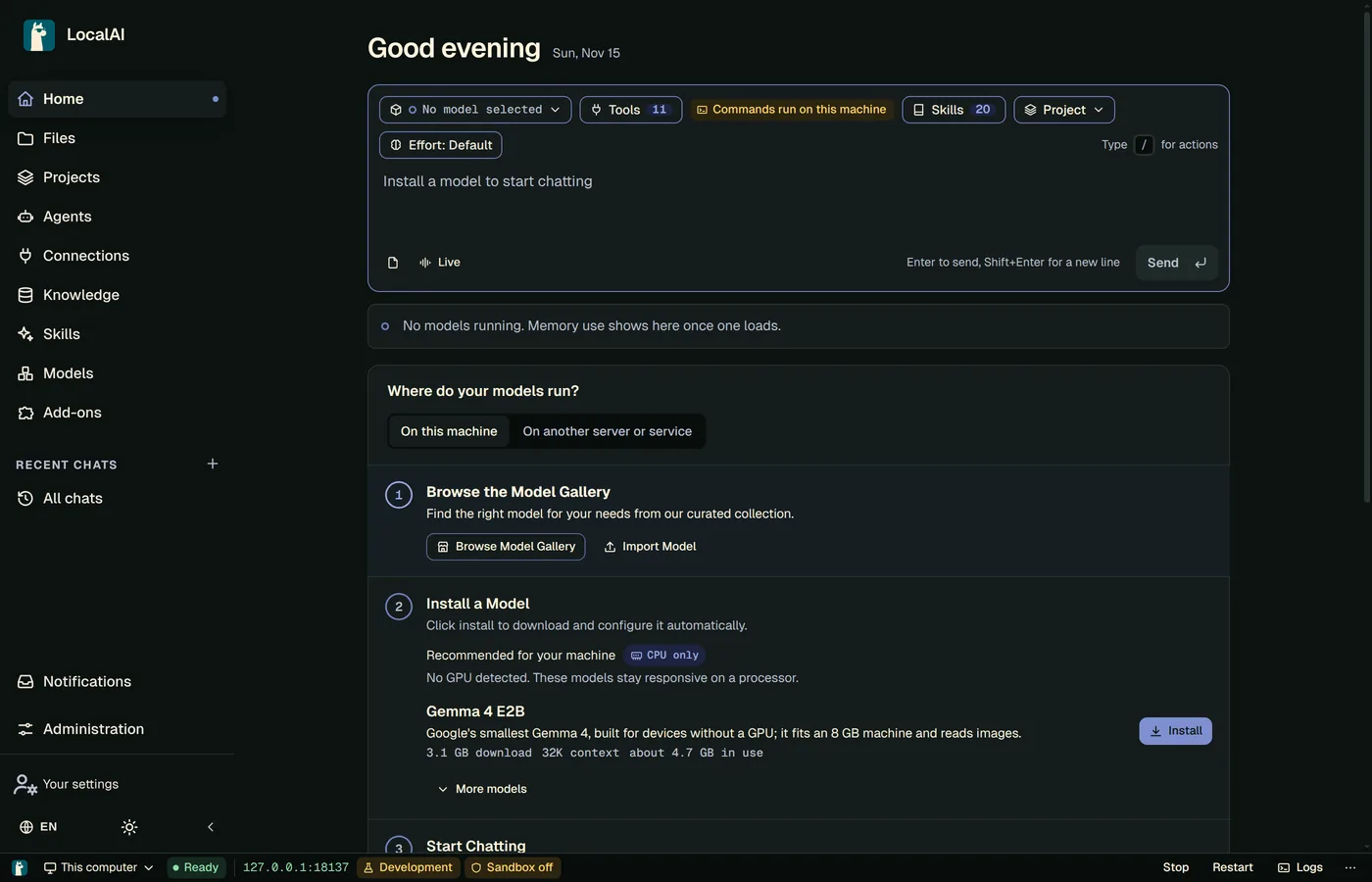
The desktop app installs, updates, starts and stops the LocalAI server on your computer. It shows the LocalAI web interface in its own window.
New in LocalAI 5.0. Needs 5.0 or newer.
What it does
- The release carries a DMG for a Mac with Apple silicon, and an AppImage for Linux (x86-64 and ARM64).
- On the first start, choose to run LocalAI on this computer or to connect to a server that runs somewhere else.
- A status bar shows whether the server runs. Logs and settings have their own pages.
- Keep several servers and pick a default. The app opens the default one at start.
- It checks for a new server version once a day and never installs one without asking. Choose the Stable, Release candidates or Development channel.
Good to know
- Your models, backends and settings stay in the
~/.localaifolder. The older launcher used the same folder. - To run LocalAI on a server, in a container or in a cluster, use the install methods on the Download page.